A security audit is the essential first step before investing in commercial security systems. Without one, businesses risk spending money on equipment that leaves genuine gaps uncovered. This guide walks through the core audit steps so Melbourne property and facility managers can approach their security upgrade with confidence.
Businesses across Greater Melbourne, VIC, operate from mixed-use sites, including warehouses in the south-eastern industrial corridor near Dandenong and Clayton, and office complexes throughout the inner suburbs. Each property type carries different risk profiles, and a structured audit helps match the right commercial security systems to the actual threat landscape.
Why a Security Audit Comes Before Any Equipment Decision
Running an audit first saves money and improves outcomes. Buying cameras or alarms without understanding your site's vulnerabilities often means covering low-risk areas while leaving high-risk ones exposed. An audit maps what you have, what you need, and where the gaps are.
It also creates a documented baseline. Should an incident occur after your upgrade, you have a clear record showing the state of security before and after investment, which can support insurance claims and internal investigations.
How Do I Audit My Business Security?
A business security audit covers six core areas: entry and exit points, lighting, camera coverage, access zones, alarm systems, and monitoring and response.
Step 1 - Map All Entry and Exit Points
Walk every door, roller door, loading bay, fire exit, window, and roof access point. Warehouses can have multiple entries used only occasionally but vulnerable around the clock. Note which points use electronic access control and which rely solely on physical keys.
Step 2 - Assess Lighting Conditions
Poor lighting is one of the most common and most overlooked security gaps. Walk the site after dark or review overnight CCTV footage. Identify dark patches near entry points, bin areas, and fence lines. Lighting upgrades are often low cost relative to the protection they provide and improve the quality of footage captured in those areas.
Step 3 - Review Camera Coverage and Blind Spots
Plot existing cameras on a site map. For each camera, check the field of view, image resolution, and whether recording is continuous or motion-triggered. Look for blind spots near high-value stock areas, server rooms, cash handling areas, and emergency exits.
In warehouses, high racking creates blind spots at floor level. In offices, corridors, stairwells, and car parks are frequently underserved. A well-designed commercial security system integrates camera placement with access control data so any entry event can be matched to corresponding footage.
Step 4 - Define and Review Access Zones
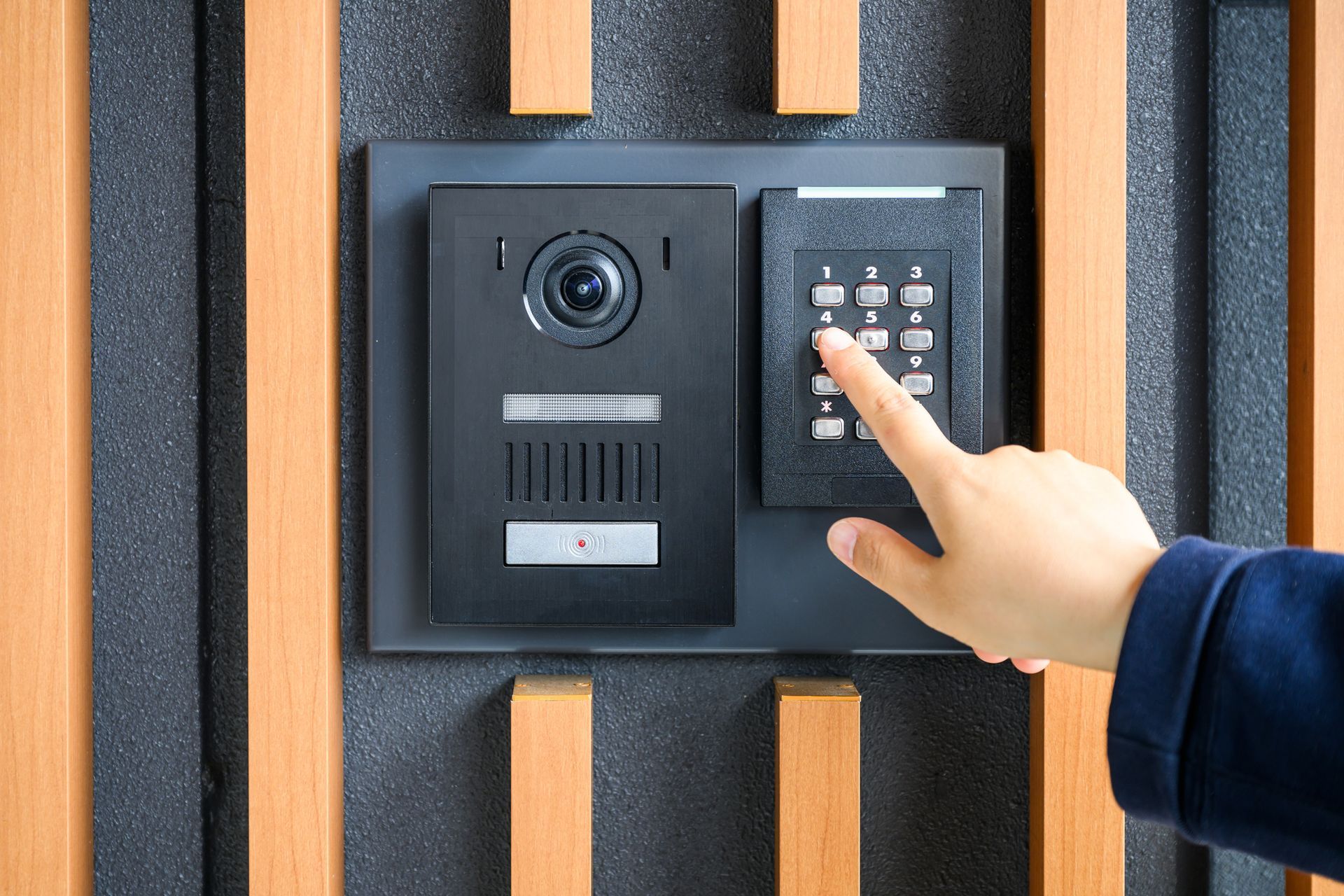
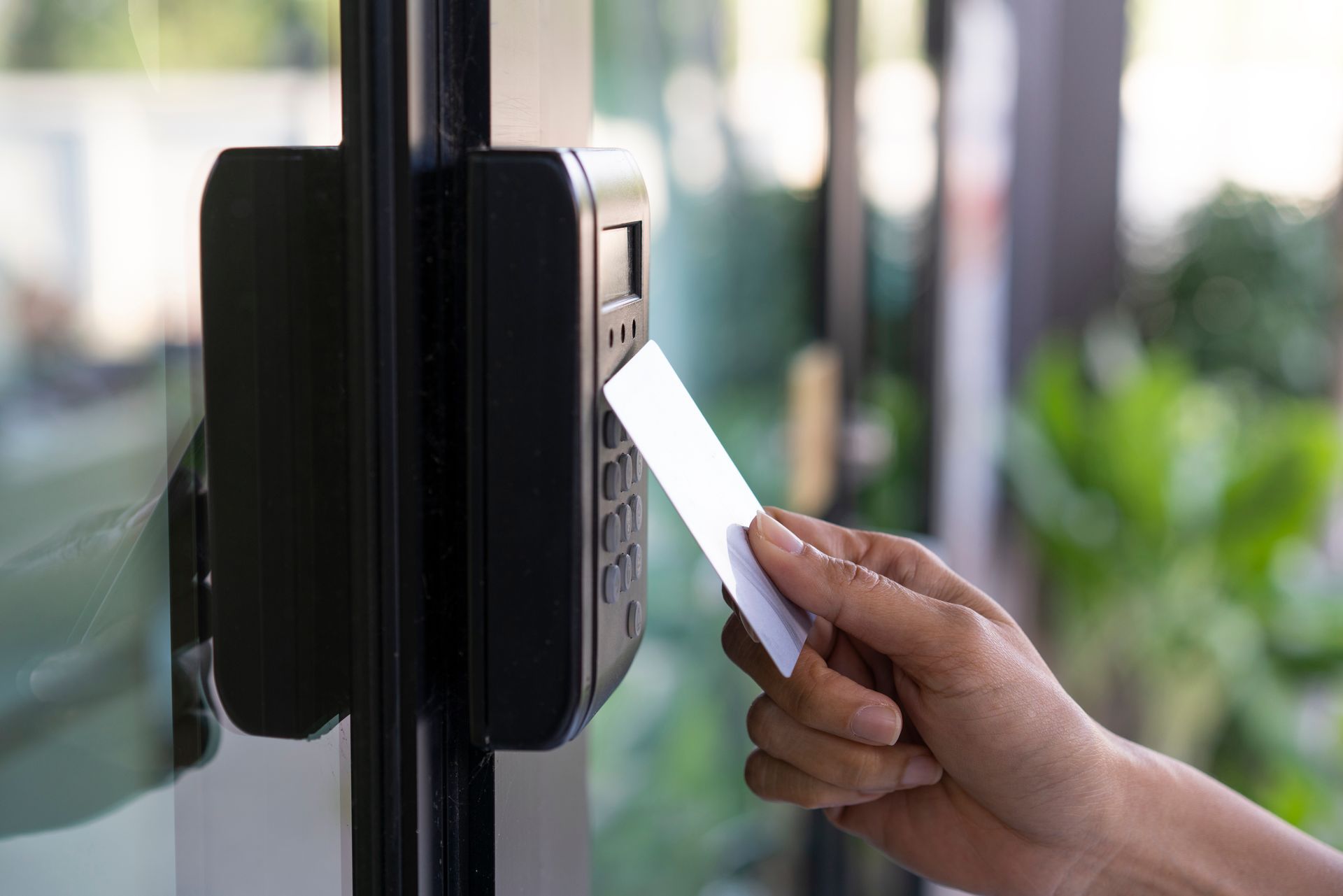
Not everyone needs access to every area. During your audit, list every restricted zone and check whether current controls actually enforce those restrictions. If a staff member with a master key has left in the last 12 months and that key was not recovered, that is a gap worth flagging. Electronic access control systems allow permissions to be revoked instantly and generate logs of who accessed which zone and when.
Step 5 - Test Your Alarm Systems
Check that all detection devices, including motion sensors, door contacts, and glass break detectors, are functional. Verify the alarm panel is reporting correctly and that monitoring and response arrangements are current. For Melbourne businesses, confirm battery backup capacity and how quickly your provider responds to after-hours alerts.
Step 6 - Evaluate Monitoring and Response Arrangements
A camera or alarm is only as useful as the response it triggers. Review whether footage is stored locally, in the cloud, or both. Confirm who receives alarm notifications and how quickly someone can attend the site if a breach is detected.
Modern integrated commercial security systems in Melbourne link CCTV, access control, and alarms into a single management dashboard, so an access event, a triggered motion alert, and the corresponding footage can all be reviewed in one place.
Documenting Your Audit Findings
Record every finding from the six steps above using a spreadsheet or annotated site map. Prioritise gaps by risk level. A written audit report also helps when briefing a security installer, leading to more accurate recommendations and more competitive quotes.
What Security Does a Warehouse Need?
A warehouse typically requires a layered approach covering perimeter protection, internal zone separation, CCTV at loading bays and high-value storage areas, and integrated alarm monitoring. The specific mix depends on stock value, staffing hours, and site layout. Selecting the right commercial security systems for a warehouse means accounting for shift patterns, contractor access, and the value of goods stored on site.
Offices generally focus more on access control for restricted rooms, visitor management at reception, and CCTV coverage of common areas and entry points. Both property types benefit from commercial security systems that can be managed remotely, particularly outside business hours.
Turning Your Audit Into an Action Plan
Once you have documented your findings, group them into three categories: quick fixes you can implement immediately, equipment upgrades that need professional installation, and procedural changes such as updated key management or visitor sign-in processes.
Prioritise anything relating to after-hours vulnerability, since most commercial break-ins across Melbourne occur outside business hours. Then work through your list systematically, scheduling professional installation for the items that require it.
If you are ready to turn your audit findings into a properly designed security upgrade, Action-Priority<https://maps.app.goo.gl/WMPUo6BToaERoHH88> offers free site assessments across Greater Melbourne, VIC, for both warehouses and offices. The team designs and installs
integrated security solutions covering CCTV, access control, and alarm systems from leading brands including Hikvision, Bosch, NESS, and Paradox. To book a no-obligation assessment or discuss your audit findings,
get in touch via the contact page or call
1300 642 052
during business hours..